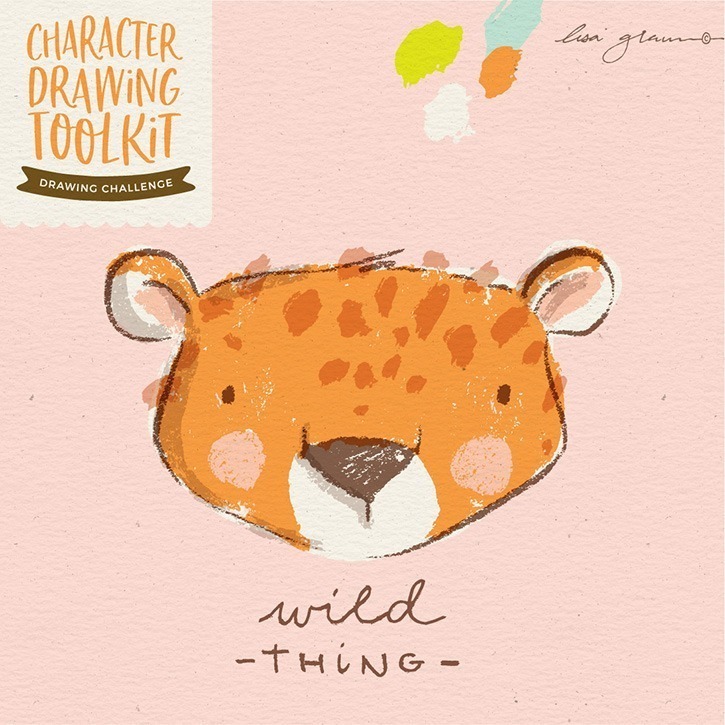
Character Drawing Challenge #25: Wild thing cheetah


Getting wild with a cute cheetah this week!

Each week I’ll be creating a character using one of my Character Drawing Toolkits. If you’re looking to improve your drawing skills I encourage you to join in the challenge and commit to one character drawing each week.

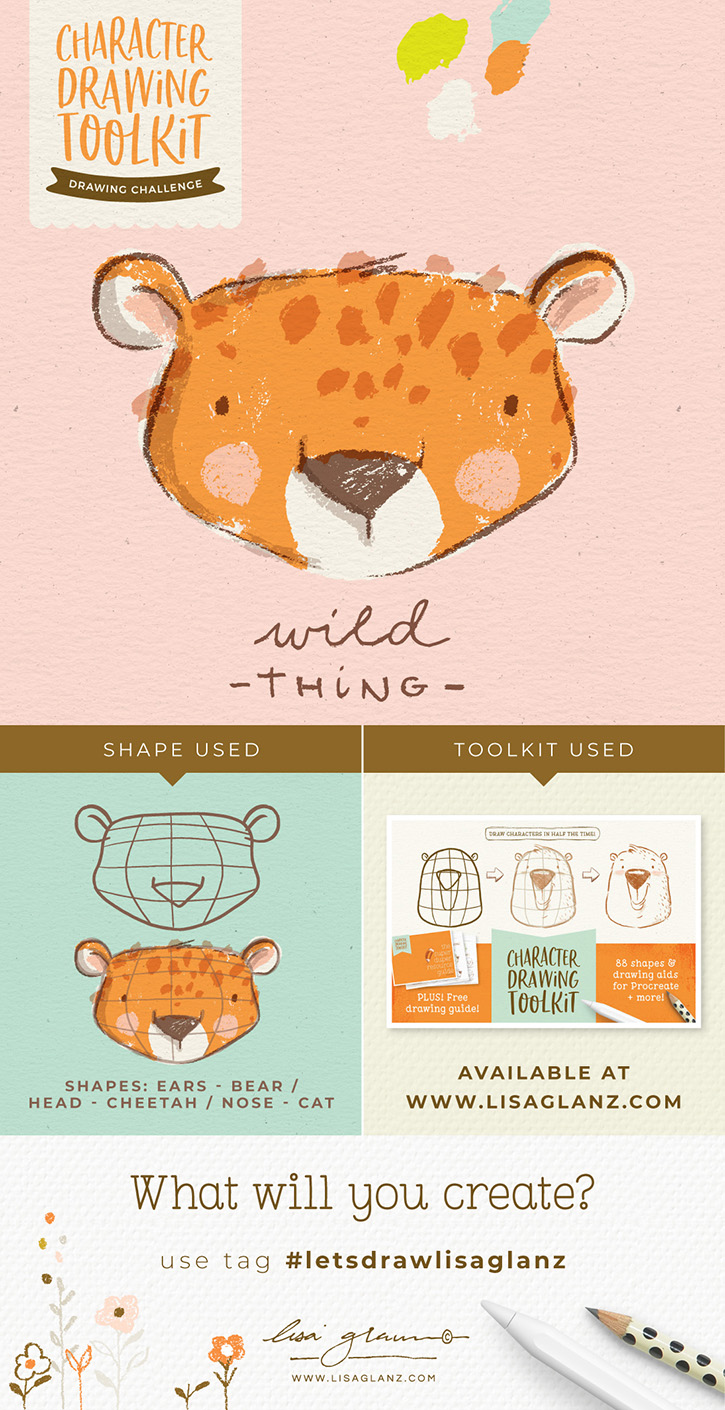
Below is a breakdown of the Toolkit I used, the final character I created and the shape I used to achieve it. Feel free to pin it for later!

Shapes I used from the Character Drawing Toolkit: Ears: bear, Head: cheetah, Nose: cat

Brushes used to apply colour: Instant artist brushes, then imported into Adobe Illustrator to trace and colour – I used the same technique I teach in this class.

Don’t forget to tag me or use the hashtag #letsdrawlisaglanz, can’t wait to see what you draw!


Don’t have the Character Drawing Toolkit yet? You can get it here >

4 Comments

  1. Hi Lisa,

    I admire your work and aspire to become an illustrator like you. Is there a collection of links to the drawing challenges you have? Thanks!

    Reply
  2. Avatar

    Hi Lisa,
    Hope you are doing great.
    I am currently looking for a more effective option to work on illustrator other than using my mouse. Do you use your iPad as a drawing tablet (if so, which app, Astropad?) or you use a drawing tablet like a Wacom? Please any recommendations is more than welcome?

    Once again thanks for all your work!

    Reply
    • Hi Mariela, I use my iPad as a drawing tablet using Astropad to connect my Mac and iPad. I sometimes use the Sidecar function that’s built into the Mac but I prefer Astropad. Hope that helps!

      Reply

Submit a Comment

Your email address will not be published. Required fields are marked *