
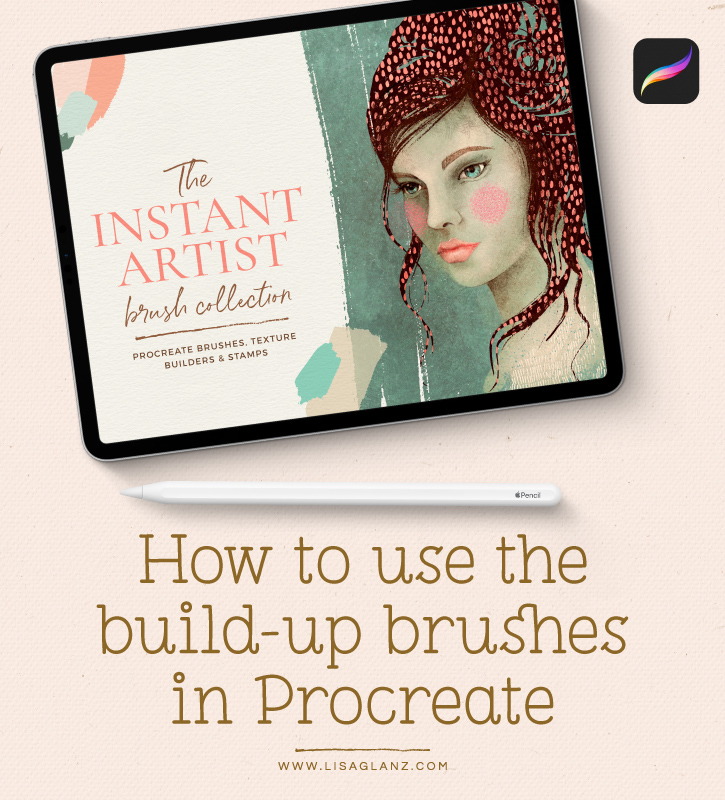
Create a lovely soft illustration using the texture build-up brushes from The Instant Artist Procreate Brush Collection!
Creating hand crafted texture couldn’t be easier with these unique build-up texture brushes for Procreate. The texture brushes are part of my Instant Artist Brush Collection which features 46 carefully crafted brushes. Each brush designed to help you achieve authentic results in half the time!
In this quick tutorial I’ll walk you through creating a lovey soft pencil-sketch flower and how to add subtle texture in just a few steps!
Hope you find it useful! Happy drawing!







OMG Lisa! These brushes are amazing!! I got them earlier today and have been playing with them constantly! You are so clever! Thank you for the amazing tutorial, keep ’em coming!! Lots of love Bethany xxx
That makes me so happy Bethany!! Thank you so much for your purchase! I truly appreciate that and all your kind words 🙂 Hope you enjoy creating with the brushes xx Hopefully many more tutorials to come!
Me encanta este producto tuyo pero ¿me imagino que no lo tendras para otros programas como Affinity Photo, Designer?
So glad you like it! Unfortunately at this stage the brushes are only compatible with Procreate 5. The brush technology in Procreate is quite a bit more advanced than Affinity so it will be tricky to convert them to Affinity, but it is my hope to one day offer them for other apps like Affinity and Adobe Photoshop 🙂
Eeeekkk, Lisa! I’d made a vow NOT to buy any more Procreate brushes … and then along you come with this set AND great tutorials on how to use them. I’m powerless to resist. Just loved the little tute on the flower. You explain everything so well and at a pace that allows the watcher to absorb what’s being shown. You are the Bees’ Knees and so very talented. Thank you for sharing your creativity and sense of fun. Instead of putting money aside for a rainy day, I’ll just have to put it aside for a Lisa Brush Day. Haveagreatday and best wishes from Oz.
Wow!! Thank you Roberta! You made me laugh though! “Lisa Brush Day” fund is hilarious! 🙂 Maybe I should start one too, I have a soft spot for stationery!! Thank you so much for your purchase and lovely comments, that means so much. I’m super happy you found the tutorial useful and paced well. Happy creating!
Yay Super excited to use these tools! Thanks Lisa for always keeping us learning and growing!
That makes me super happy!! It’s a great pleasure 🙂 Happy drawing with the brushes!