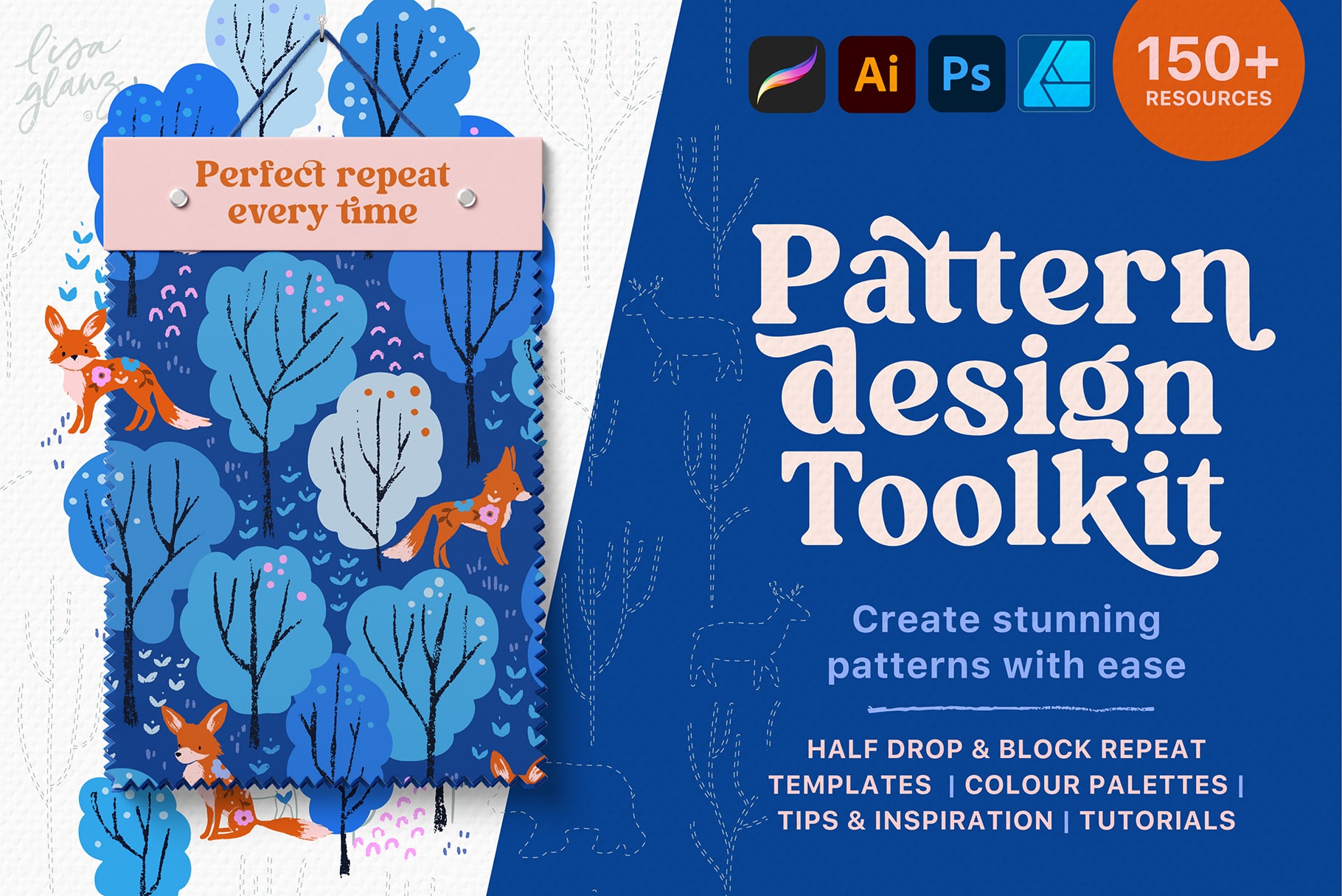
Looking to create beautiful repeating patterns but struggle with all the complicated maths? Or need a workflow to help you produce perfect repeats in half the time? Say hello to the Pattern Design Toolkit!
Elevate your portfolio with the Pattern Design Toolkit, an all-in-one design solution for creating stunning repeat patterns with ease.
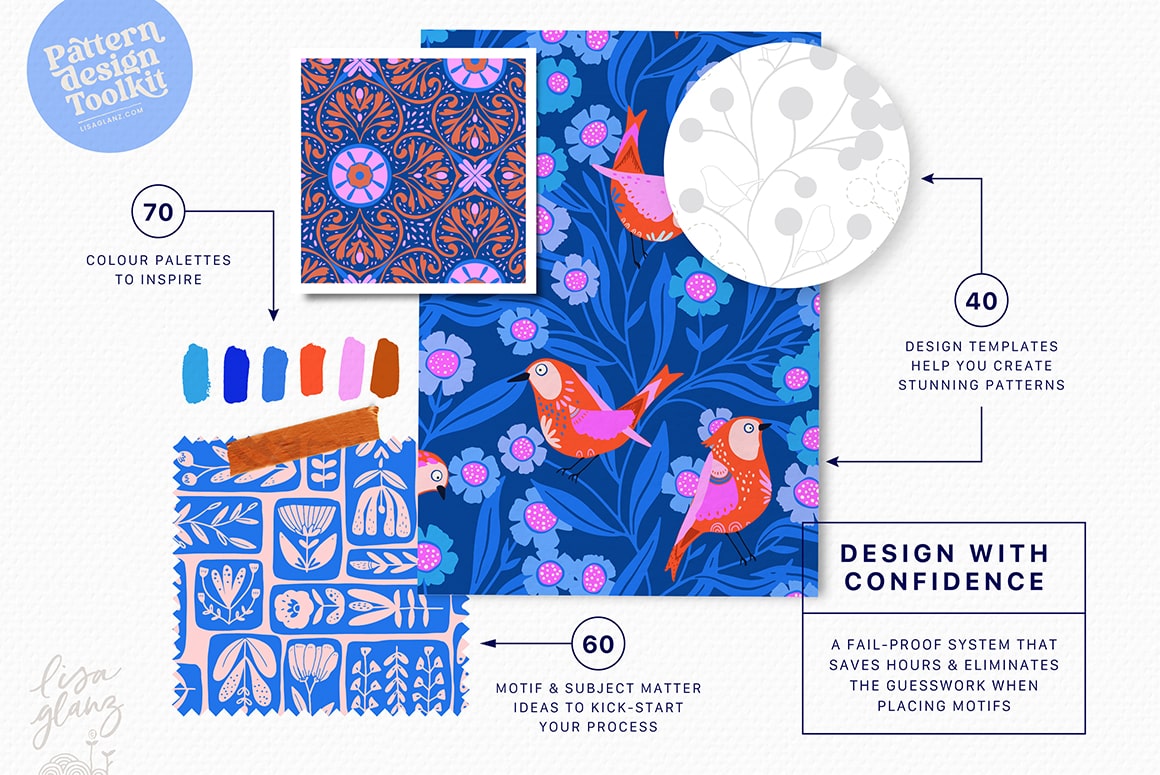
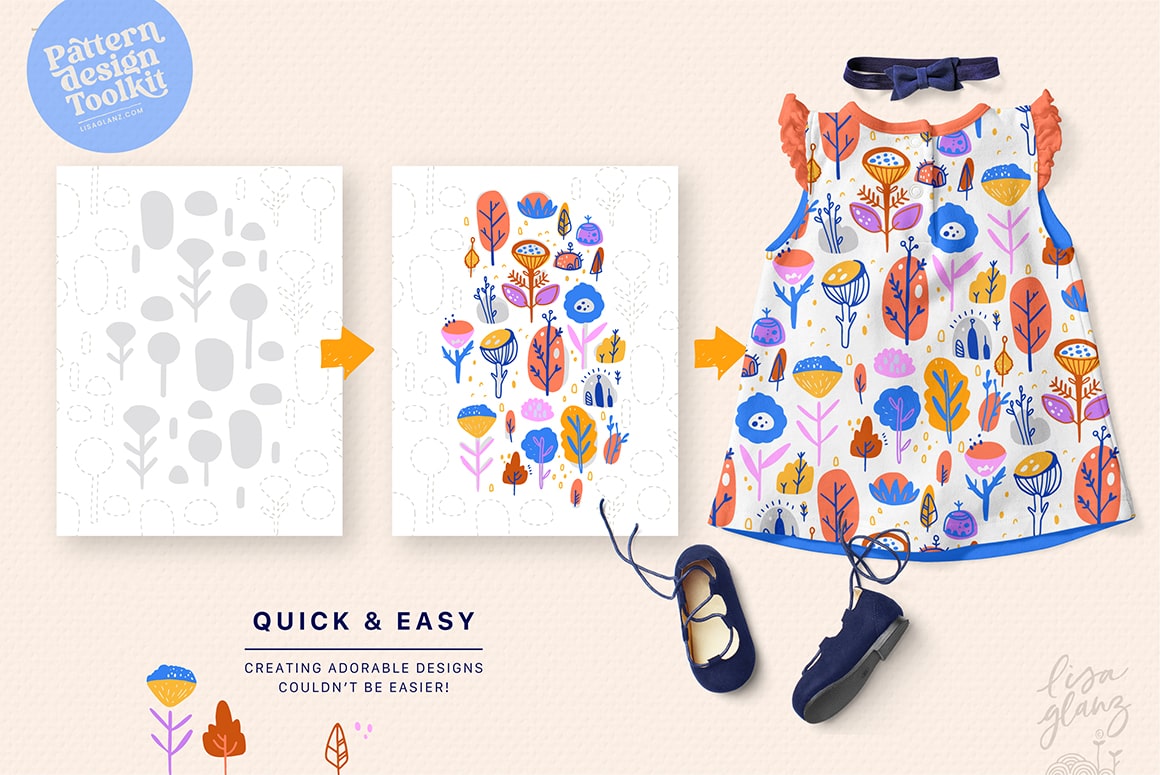
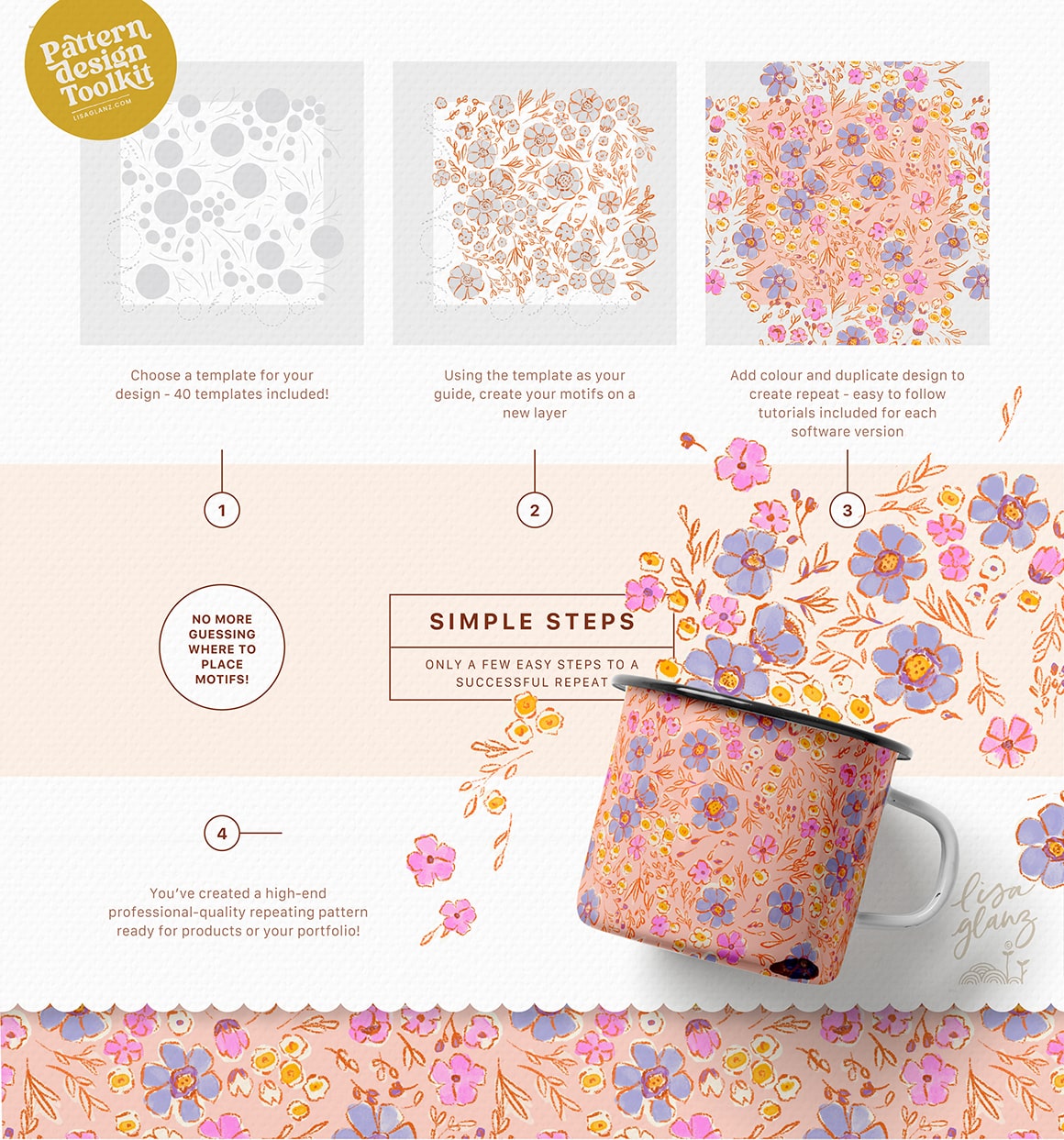
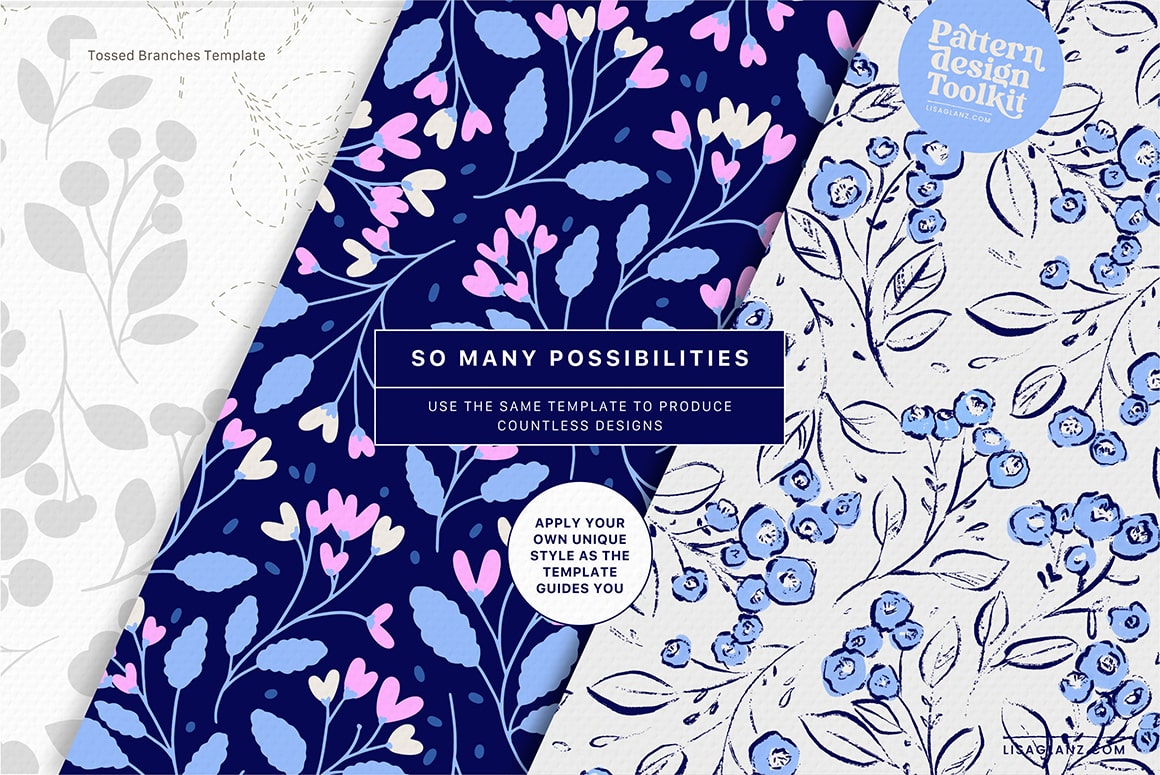
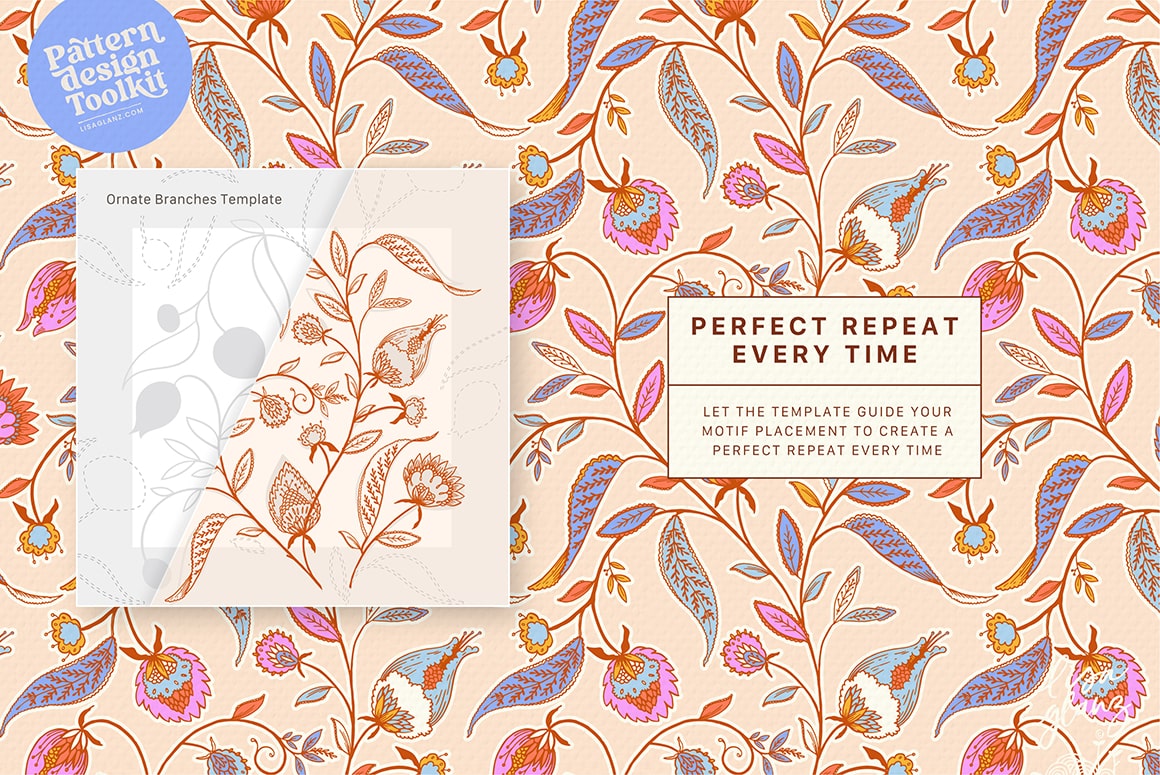
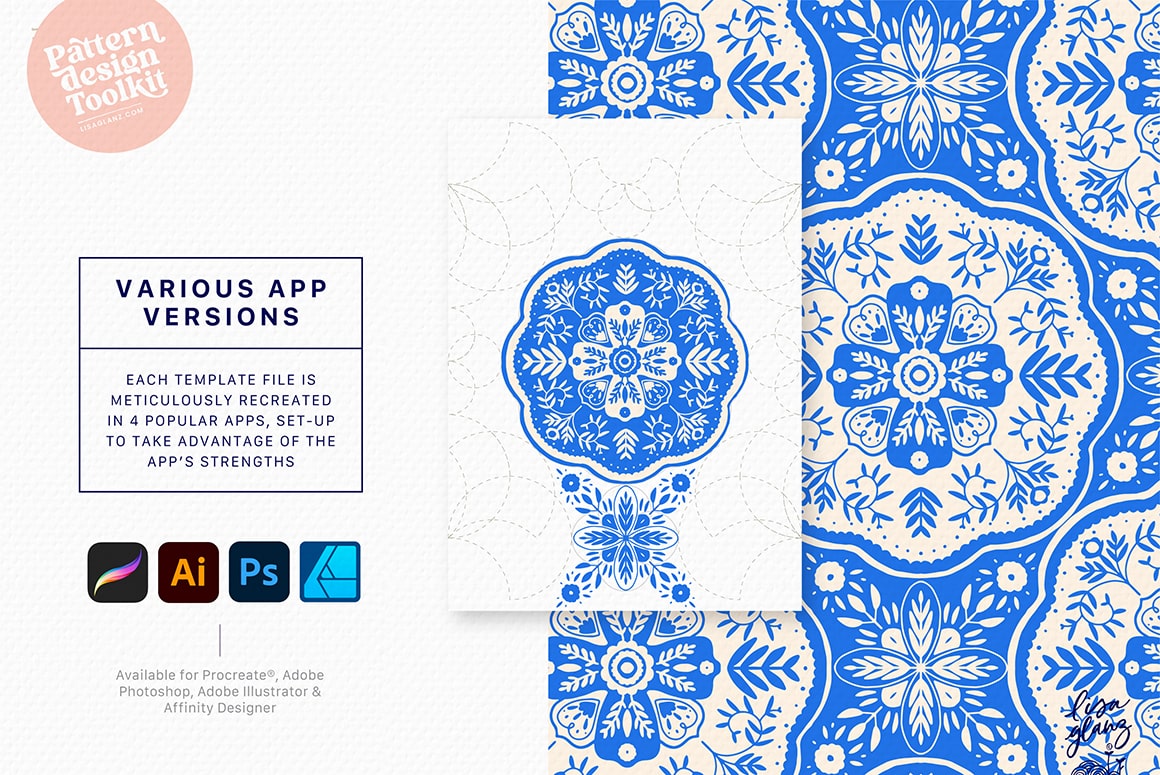
The kit includes a library of pattern templates that form a fail-proof system that saves hours and eliminates the guesswork when placing motifs.
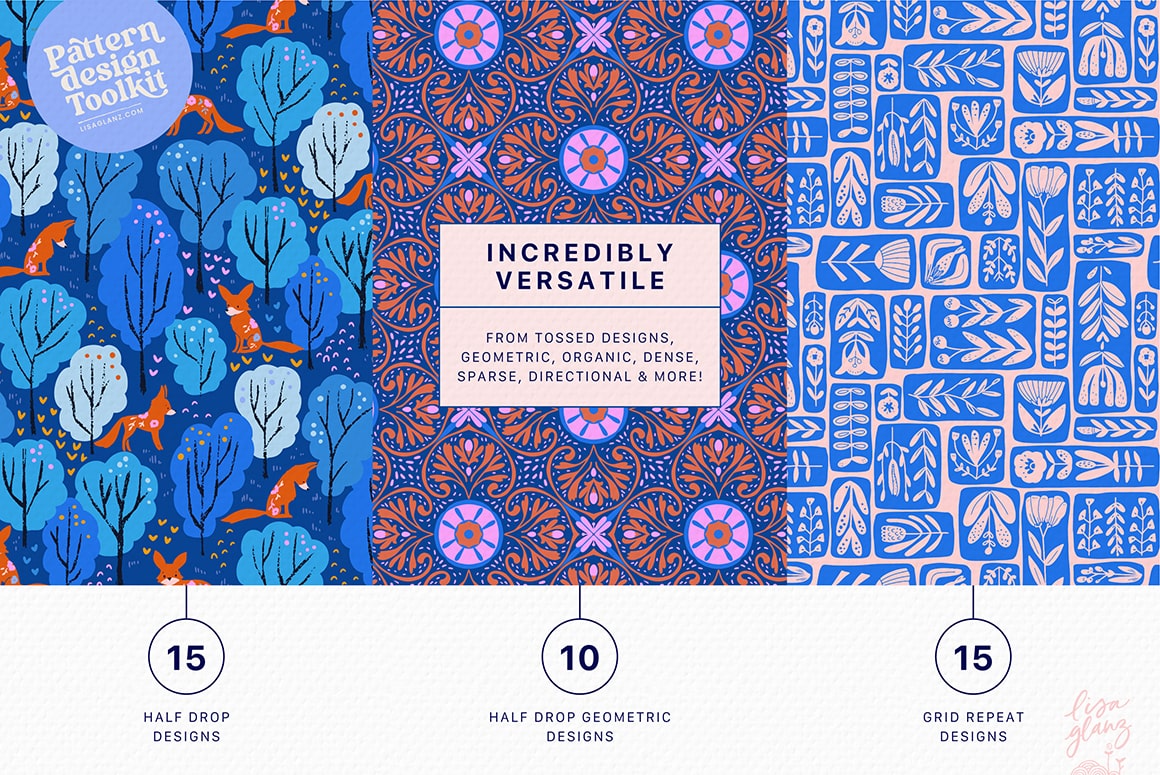
With over 40 design templates included, you’ll be producing masterful designs in no time, all in perfect repeat.
Templates include both half drop and grid layouts, featuring a variety of design styles including tossed, dense, sparse, directional, geometric and more! Don’t worry if you aren’t sure about all the terminology, there’s a handy Resource booklet that’ll guide you.
Inspiration
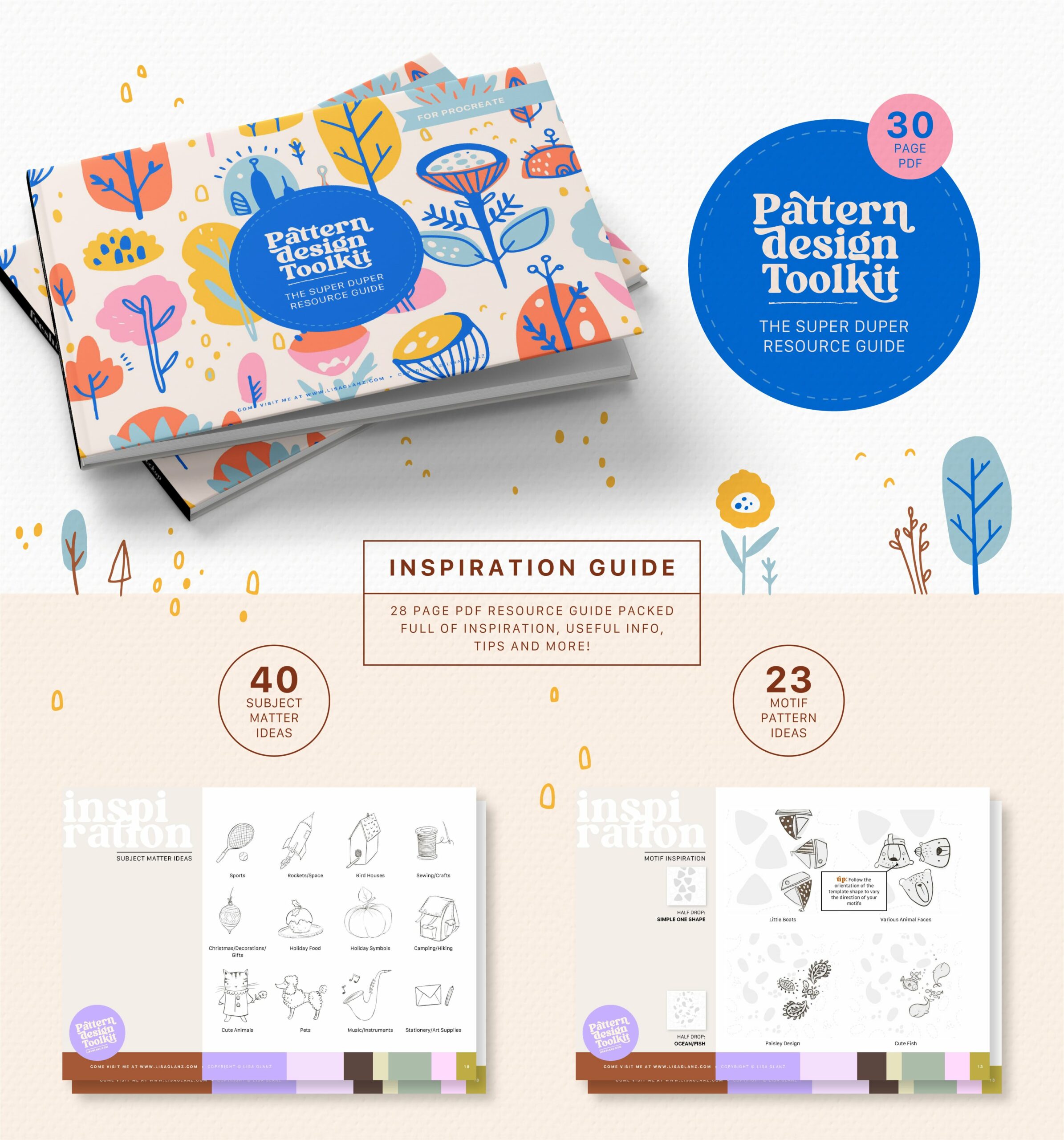
The Super Duper Resource Guide is brimming with useful info, tips and inspiration. Discover the 60 motif and subject matter ideas and how to use the shapes in the templates to your advantage.
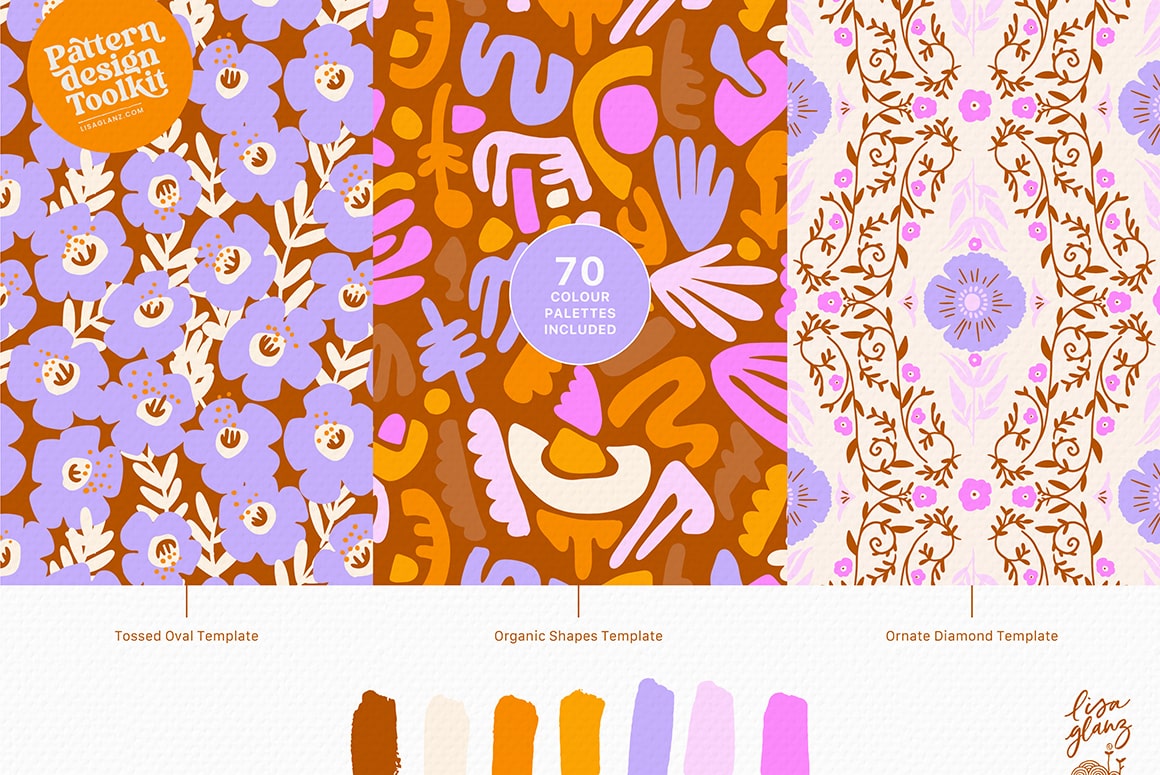
Colour palettes
The kit boasts a lovely collection of 70 colour palettes designed to inspire your next pattern collection.
A truly versatile kit for everyone!
Whether you’re a beginner or seasoned surface pattern designer, you’ll find joy in using the templates and delight in all the time saved while producing quality, professional patterns you’re proud to sell!


JP (verified owner) –
Thanks so much Lisa! Worked perfectly in Affinity V3 🙂 You’re a genius, love the templates, makes it all so easy
Sana Yoshino (verified owner) –
Thank you for your reply. I purchased it.
Do you just rely on your eyes to make sure the white pattern guide is snapping correctly? Sometimes the yellow guide appears to show that it’s snapping, but not always. Is zooming in all the way and checking visually enough to make sure it’s aligned properly?
Sana Yoshino (verified owner) –
Do you have example patterns for each template? I can see some examples using some of these templates, but not all of them.
Lisa Glanz –
Hi Sana,
That’s a great question!
I don’t currently have examples for every single template which was intentional. The templates are designed to be really versatile, and I like to leave room for your own imagination and style to come through, rather than guiding things too specifically.
That said, the guide does include a selection of example patterns I’ve created, along with some motif ideas and inspiration to help you get started. From there, you can really make each template your own and explore lots of different creative directions. Hope that answers your question. If you have any other questions at all or need help at any stage, please don’t hesitate to let me know. Hope you enjoy creating your patterns!
Suchi (verified owner) –
Hi Lisa, thank you for creating this toolkit for us. I am trying it out following your instructions. One thing I am struggling with is – when I am trying to save the tile to jpeg (copy merged -> copy to clipboard), the file size is becoming very big (around 28-29MB). I have tried using a single motif which is a smart object. can you please provide some pointers on how to reduce the file size? thanks!
Lisa Glanz –
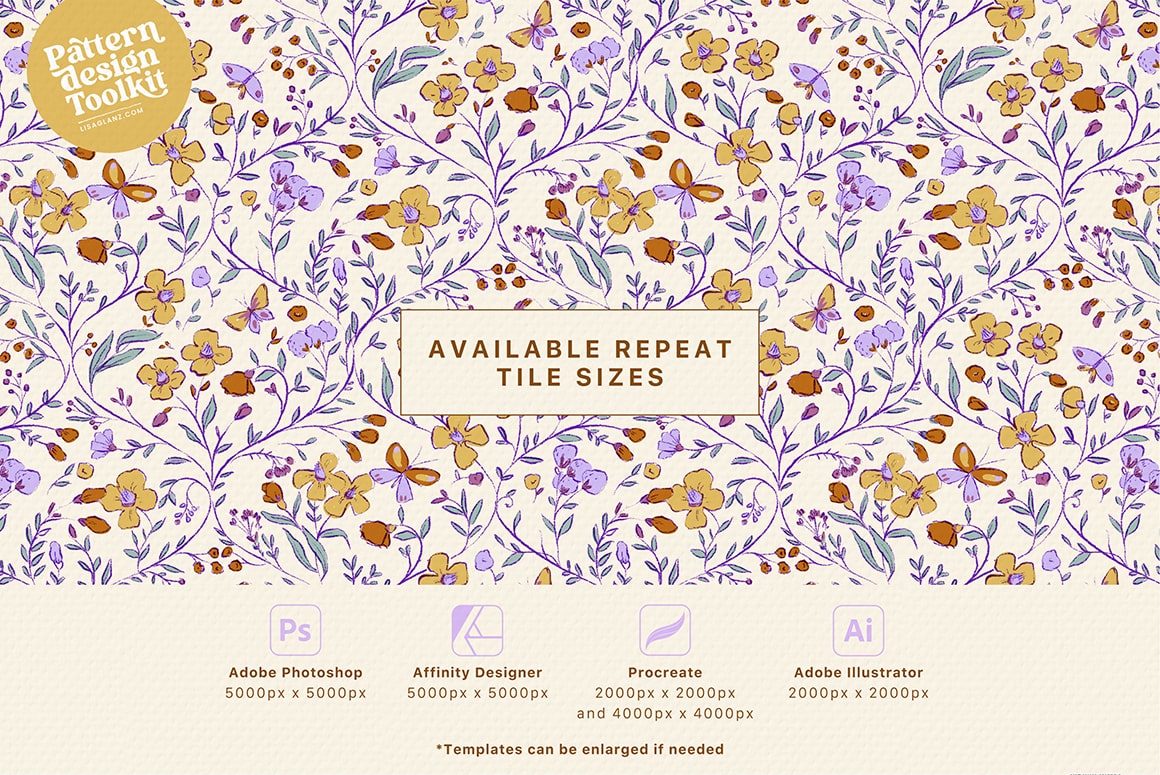
Hi Suchi! The final repeat tile for the Adobe Photoshop version is nice and large (5000px x 5000px) and high-res so this will create a fairly large file size in Photoshop which works great for users wanting to produce large patterns like wallpaper for example. But if you don’t need such a large size repeat, ie. you’re using your designs for fabric or other smaller items I would recommend resizing the final repeat design to suit your project, that way you will create a smaller file to suit your needs. Once you have completed your design and cropped, you can go ahead and resize using the Image > Image Size pop-up. Hope that helps!
Jennifer Nilsson (verified owner) –
I cannot believe how EASY this is to use!
I have been trying to create repeats with my watercolor artwork in Affinity but was at a total loss of how to get it done.
Your products and tutorials are the best of the best, Lisa! So glad I made this purchase!
Choirunnisa Humairo (verified owner) –
Hi lisa I have downloaded the pattern design kit but when trying to open it in procreate it says this artwork exceeded this device capability please help
Lisa Glanz –
Hi Choirunnisa,
The message you’re getting is due to the layer limit in Procreate for your device. Procreate needs a certain amount of your iPad’s energy and will limit the layers when you reach your iPads capabilities. But the good news is the download folder does include a split version of the large templates and smaller templates for customers not able to import the combined larger Procreate files. I’ll pop you an email to assist you and guide you further.
Joana Leal (verified owner) –
WOW! Thank you so much Lisa, for THE BEST pattern design toolkit! I’ve seen other pattern toolkits for sale (at a much higher price) that don’t have even half the value this one does. The quantity and quality of templates and bonus material this toolkit has is just insane! I love using procreate, but it was not the best for pattern creation. This toolkit makes it a lot easier and you don’t have to transform layers a million times (which is awful). If you’re on the fence, do yourself a favour and purchase the toolkit NOW!
Lisa Glanz –
Hi Joana, Thank you SO much for the amazing feedback! I’m thrilled to hear that you’re loving the toolkit and that it’s made pattern creation easier for you. Your kind words and thoughtful review really means the world to me! Thank you x
Ruth McGhie (verified owner) –
How ever did I get on before I discovered Lisa Glanz??? What a treasure. What a fine tool this pattern creator is. Its inspiring, creative, so well thought out. Just loving it, been patterning away like a crazy lady. lol. Lisa you are a champion. I love and appreciate that you help other creatives. Thanks. Ruth
Lisa Glanz –
Hi Ruth! Your feedback is such a ray of sunshine. I’m thrilled to hear you’re loving the pattern toolkit. I love creating tools for other artists, so reading your comments really makes me so happy xx Keep creating those amazing patterns!
Olga Markens (verified owner) –
Dear Lisa,
I just downloaded the software. I can see only the full range of swatches and a few templates. What do I do wrong?
Thank you very much
Lisa Glanz –
Hi Olga, I’d be happy to assist you with that! The kit includes three template documents that include 10-15 templates each. You’ll find all the available templates for the document in the layers panel in Procreate. I recommend watching the tutorial to help you get started. Pop me a message if you have any other questions at any stage. Happy creating!
Jeanette Jackson (verified owner) –
Lisa, thanks for creating these amazing templates. I don’t have an iPad Pro, therefore I can’t open the larger template. However, I’m having a problem snapping the pattern tile so my pattern won’t line up. I’m at this time watching your Design Cut replay of the kitty pattern so I hope it will see a what I maybe doing wrong. Overall, this is really a great idea and I can see using a lot. Thanks for all you do.
Lisa Glanz –
Hi Jeanette, The good news is the kit includes split up versions of the large templates which should be easier for you to import. Have a look for the folder called “4000px-Repeat_tile_Split” (pop me an email if you can’t locate it). Because Procreate lacks a transform panel, it’s super important that you zoom in to it’s max so you can be pixel accurate when snapping your pattern tile to ensure you don’t have any lining up issues. I cover that and other useful tips in an additional Procreate tutorial which you can find here so definitely give that a watch. Feel free to pop me an email anytime
Nah Fernandes (verified owner) –
Hi Lisa just to report that after checking the tutorial for Photoshop I was able to understand my mistake. This tool is amazing and I’m really happy with my purchase thanks very much for designing it wish you all best
Lisa Glanz –
Yay! So glad you are all sorted now! Thank you so much for leaving a follow-up review, much appreciated ❤️
debbie1 (verified owner) –
Hi Lisa, this is a wonderful product, you had my $$ when I saw the little girl’s dress – those colors! You are stunningly good with color. I’m glad you included photoshop and aI. I’m still hoping one day to get a wonderful tablet or drawing pad.
Lisa Glanz –
Thank you so much Debbie! I’m SO happy you are enjoying the product. And thank you for your lovely comments, I really appreciate it!
Sandra Wright (verified owner) –
Thank you so much for creating this! I’ve struggled with repeat patterns, and love everything you create!
Lisa Glanz –
It’s a great pleasure Sandra! I hope this kit helps you enjoy the process of creating patterns xx
Nah Fernandes (verified owner) –
Hi Lisa , I’m trying to follow your tutorial for Procreate using exactly the same template that you used in the video but still I’m getting that awful lines maybe would be possible in the future to change the background colour that you are using so would be more easy to see where exactly to snap. Anyway love your your products thanks for creating them
Lisa Glanz –
Thank you so much for your feedback! It’s always super helpful to hear back from my customers. For the Procreate templates, do you have your Drawing Guides turned on? Are you having trouble snapping to the guides, or knowing where to move the repeat to? Also remember to zoom in as close as possible so you can be pixel accurate when placing your repeat. I’d be more than happy to assist you further if you’re still struggling. Pop me an email anytime to help@lisaglanz.com.
Janice Lalonde –
I just finished watching all of your tutorials on YouTube. Again, you nailed it, and this is so useful. I guess what has been preventing me from designing patterns is that after hours of meticulously placing motifs around the bounding box, just to find out the pattern/design is not working!!! It was so frustrating and that’s why I stopped. However, this product takes out all the guesswork and helps streamline the process. You are amazing, and every time you come out with new products, I never think twice if I should make a purchase! Take my money Lisa! Everything you do is amazing! I am a BIG BIG FAN!
Lisa Glanz –
Wow! Thank you Janice! Your amazing review means the world to me ❤️ I’m super happy you’re already getting value out of the toolkit. Hope you enjoy many happy hours of pattern creating!
Iris –
Ohhhhh !! me encanta. así si es fácil de crear patrones jajajja, ya mismo los compro como todo lo que sacas.. Por fa prontamente mas clase de animalitos curiosos .. pero master class y sumado a esto un éxito de productos que tendremos .. todo el tiempo pendiente de que lanzas y esta vez me quede como siempre encantada.. gracias .
Lisa Glanz –
Thank you so much for your lovely comments Iris! I am hoping to create more drawing classes very soon ❤️
Rossella –
This looks amazing! I am always impressed by your products. They are incredibly versatile, beautiful and yet easy to use.
Lisa Glanz –
Thank you SO much Rossella! I really appreciate your wonderful review! Super happy to read you’re enjoying the tooklit. ❤️Happy creating!
Elena O (verified owner) –
I was excited for this to come out and I must say I was not disappointed. Lisa is the queen of Procreate brushes and resources. The toolkit is amazing, just like everything I’ve ever purchased from her. Not many people invest their heart and soul into their work the way she does – I’m constantly moved by it. I 1000% recommend this product.
Lisa Glanz –
Thank you so much Elena! I’m most grateful for your super kind review and lovely feedback. I’m so glad you are enjoying the kit! Hope you have many hours of creative fun using the templates. ❤️
Sonia –
Hello Lisa. I use photoshop, but I don’t have much experience. Is it very hard to create designs with it? Does your kit offer pre-made patterns? How can I create designs with this app? Thank you.
Lisa Glanz –
Hi Sonia,
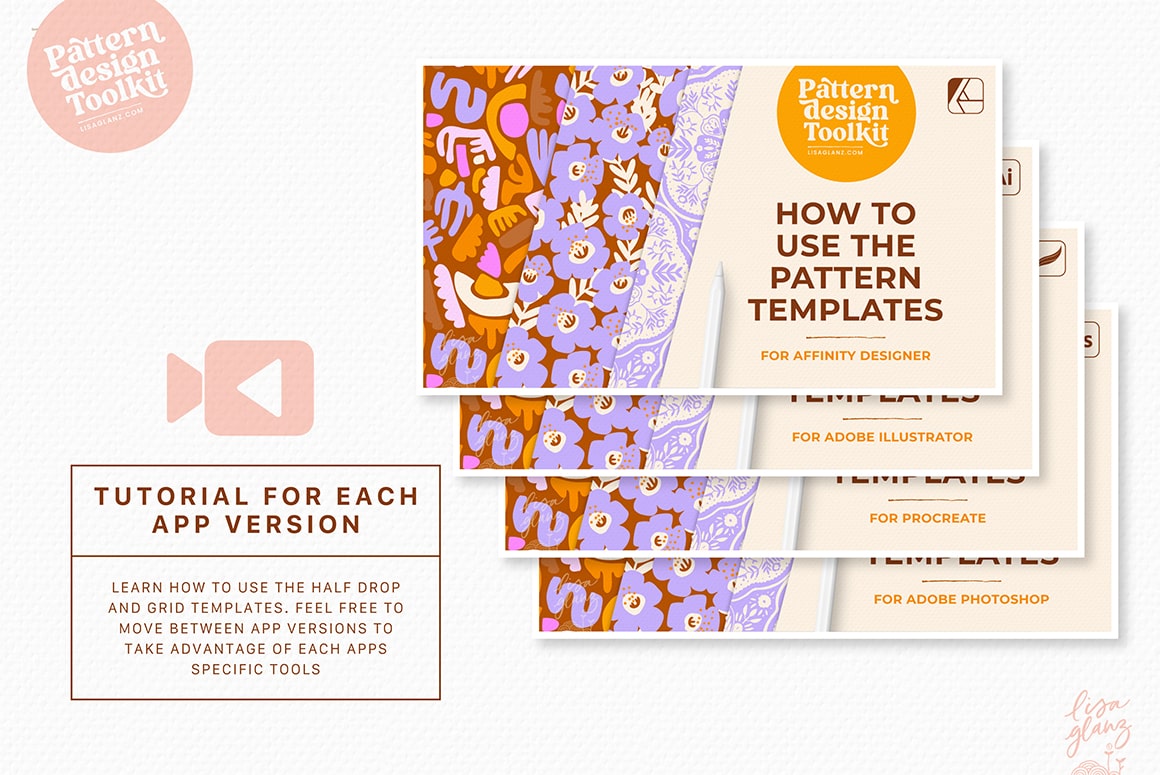
The templates are very easy to use. I have a tutorial that shows you step by step how to use the templates. The kit doesn’t include final, already-made pattern designs, but rather temlpate grids that help you place motifs in the correct place to create perfect repeats. There are many different kind of templates to choose from! It is however recommended that you have some kind of tablet or drawing pad linked to your computer so you can draw freehand and not with a mouse to create your own motifs. The guide includes lots of motif ideas to help you get started. Hope that answers your question. If you have any other questions at all, please don’t hesitate to let me know.
parkerfamilia5 –
Yay! It’s here! Now, it’s not so much a manic Monday! Thank you Lisa for creating this wonderful helpful, and inspiring toolkit. You are amazing!
Lisa Glanz –
Awww!! Thank you so much for your lovely comments! I’m so happy you’re excited about the kit! Hope you enjoy using the kit, happy creating!
Toni –
Hi Lisa! Would this allow us to use our own motifs and subject matter as well, or does this only work with what you’ve made available within the tool kit. Thank you!
Lisa Glanz –
Hi Toni, Yes of course! The kit is designed for you to create your own motifs and use any artwork of yours within the templates. The ideas is to use the templates to guide you on where to place your own artwork. Hope that answers your question. If you have any other questions at all, please don’t hesitate to let me know.
Kathy Hardy –
I don’t see where to purchase this, Lisa! And you know I’m chomping at the bit! Thank you!!
Lisa Glanz –
Hi Kathy, So sorry about the problem, the site is under a bit of strain, seems like many people are eager to get the set! Please reload the page again and let me know if you’re still not seeing it. Thank you!
fernandez_jasmin –
Hi Lisa! So excited to try this product! Thank you! But it seems like something is not working. I’m not able to find the Add to Cart button? I tried on my mobile phone and then on my desktop computer because I thought it was me but it seems like something is not working in the website. Are you aware of any issues in the website? Thank you!
Lenka Kaciasvili (verified owner) –
Lisa,
This toolkit is amazing! It is actually the first time I am writing a review to any product, but I simply had to. I am not an experienced artist (have learnt to work with Procreate like 6 months ago), yet I was able to create beautiful Christmassy pattern in half hour. It gave me the confidence I can make art, too.
Thank you so much <3
Mara (verified owner) –
Lisa, thank you so much, it’s the best toolkit for patterns! Very easy to follow and the extra resources are very very useful! Thanks again for making such great tools that makes our journey much more simple and fun!!
Lisa Glanz –
Thank you SO much Mara!! I really appreciate your lovely review I’m so happy you’re enjoying the extra resources. I hope you have many hours of creative fun using the kit. Happy creating! ❤️