
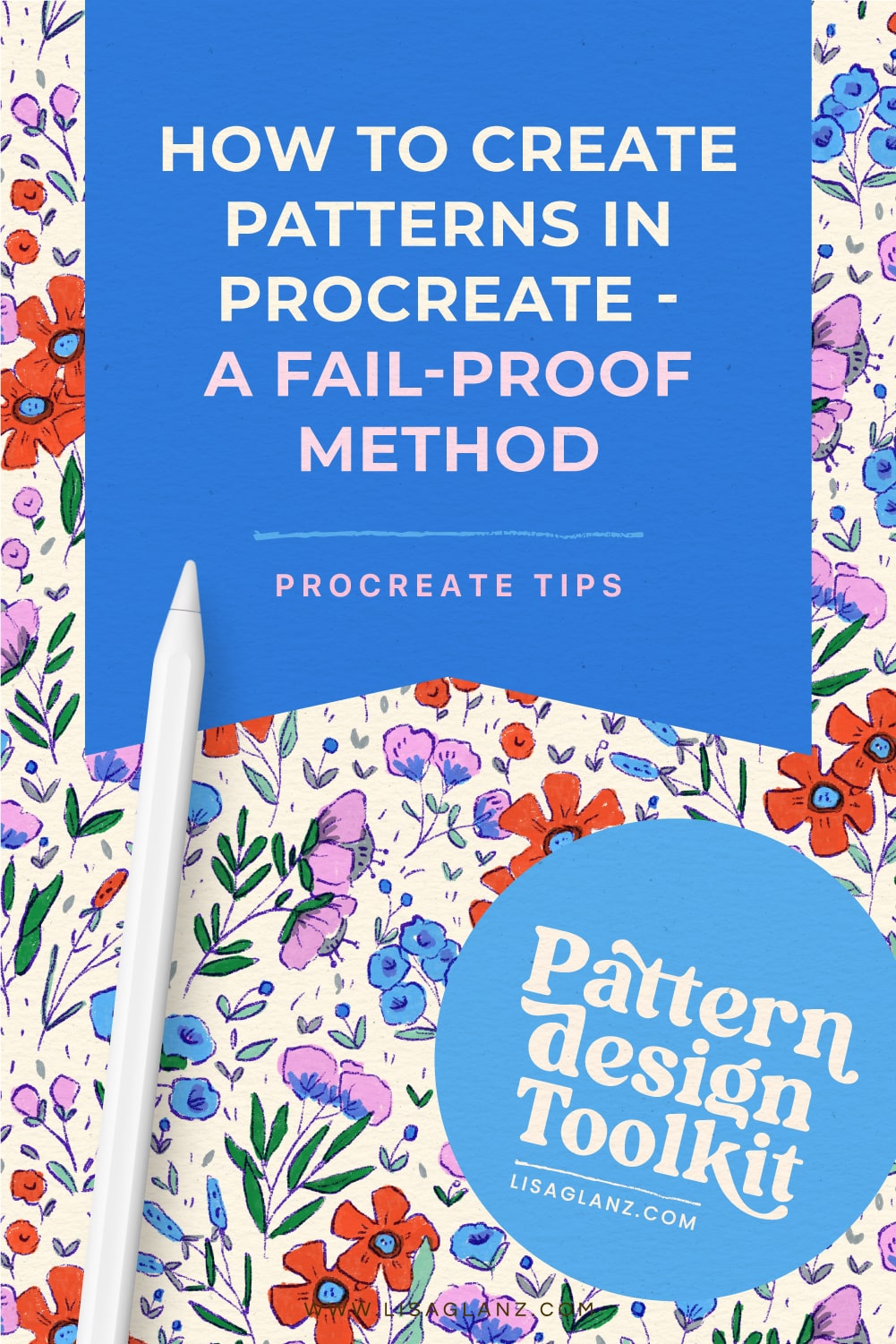
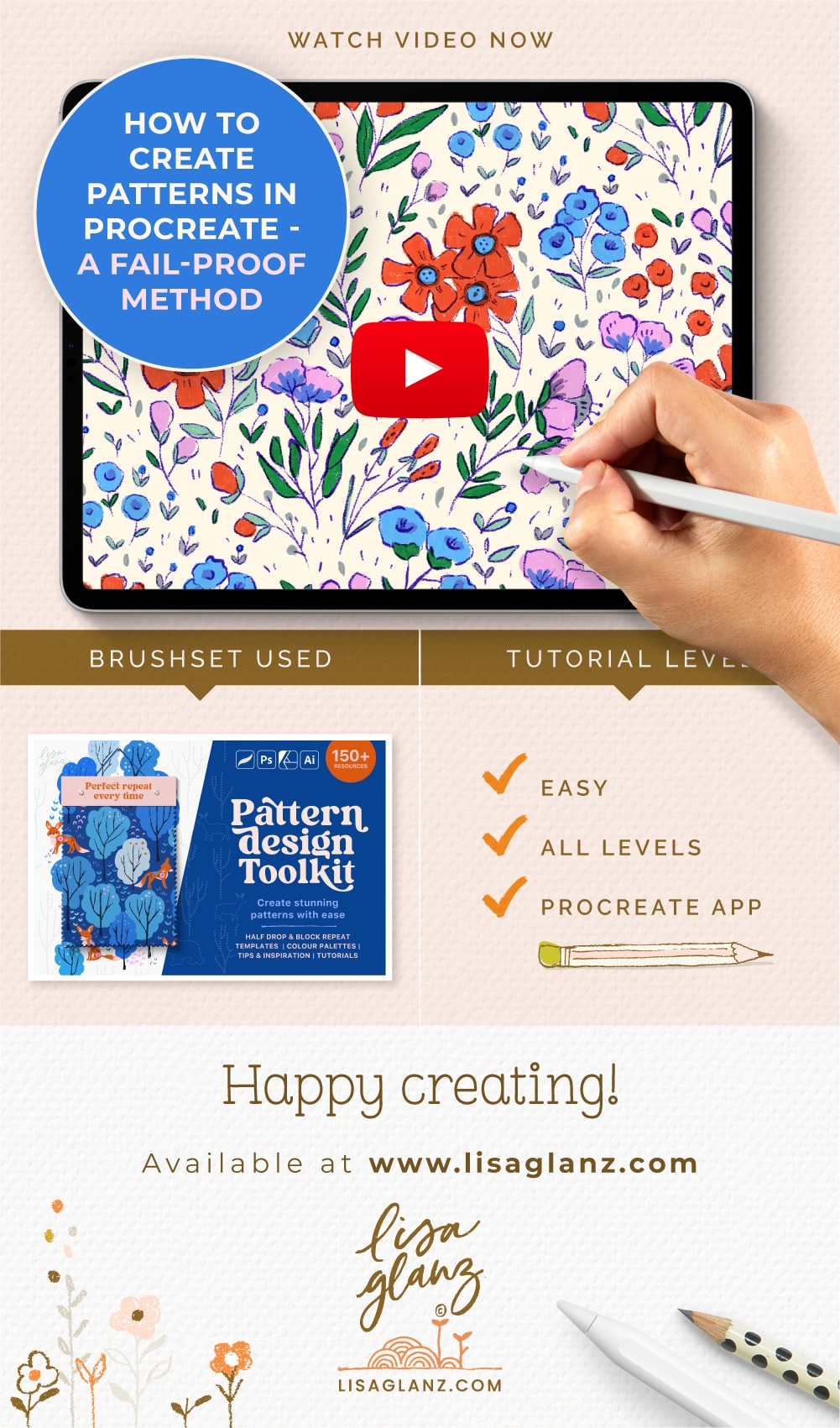
In this tutorial you’ll learn a fail-proof method for how to create patterns in Procreate!
With the help of the Pattern Design Toolkit you’ll be creating stunning repeat patterns with ease. No more complicated maths or guessing where to place your motifs, let the templates included in the kit do all the hard work for you.
You’ll receive 40 templates that include both grid and half-drop repeats making this kit super versatile in helping you create just about any pattern design you can dream of.
Although the kit includes versions for Adobe Illustrator, Adobe Photoshop and Affinity Designer, the most popular version is Procreate. There’s an introductory tutorial for each software version which you can find here.
The additional Procreate tutorial below includes added tips to help you get the most out of the kit. You can shop the full kit here.
Click on the image below to watch now. Happy pattern making!




Hi there. I’m a complete beginner in digital art, procreate and pattern design. But it’s what I want to do. Is this cause for beginners? Or do you also have a cause for that.aby advice and help would be great. Thanks in advance.
Hi Deborah,
Great question! The Pattern Design Toolkit is a series of documents that include templates that speed up your pattern designing process and makes it much easier to create beautiful seamless patterns in Procreate. It also includes two tutorials for Procreate that explains how to use the templates. It doesn’t unfortunately go into detail on how to use Procreate app itself, although I do of course show how to use the features in Procreate that are specific to creating patterns.
Ideally some knowledge of Procreate is required, however, if you are keen to learn and do some beginner tutorials for Procreate so you can find your way around the app better, then The Pattern Design Toolkit will really help you when creating patterns. There are amazing beginner tutorials on the Procreate app website.
I also have a Course that shows a step by step process for combining Procreate and Adobe Illustrator to create stunning patterns. But Adobe Illustrator is needed for the course. Here’s a link just in case.