
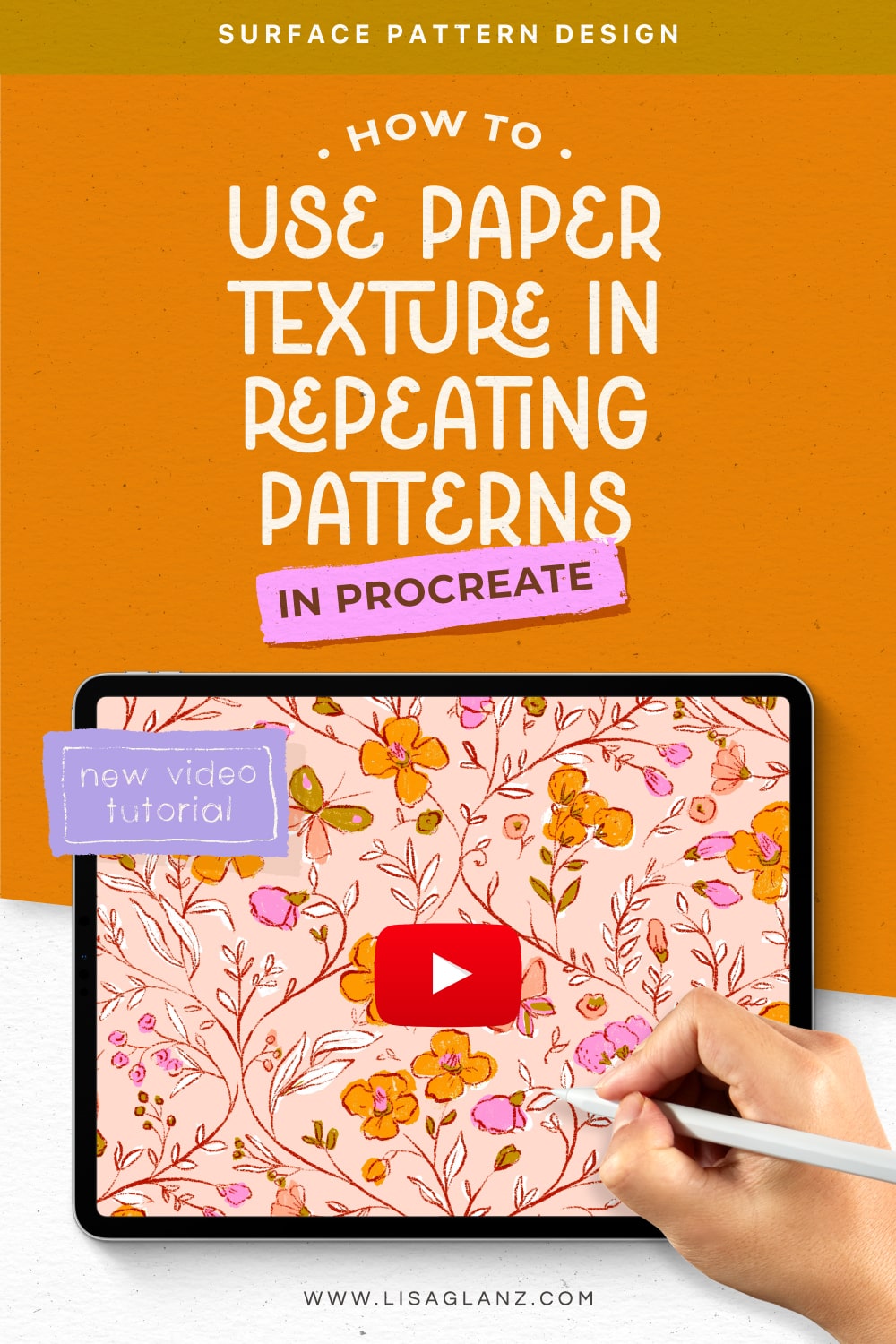
Adding paper texture as an overlay to repeating patterns can be tricky, especially when it comes to achieving seamless results.
In this tutorial, I’ll show you how to use the Master Tiles included in Paper Box to create flawless, professional results that are in perfect repeat.
With step-by-step instructions, you’ll learn how to achieve a 100% seamless design and add beautiful, authentic texture overlays that give your artwork a handcrafted feel. This technique is perfect for surface pattern designers looking to enhance their designs with unique, tactile textures.
Although I’ll be using textures from the Paper Box which are in the correct format for this process, you can apply the same steps using your own texture as long as the texture will create a seamless repeat when used side by side, like the Master Tiles included in Paper Box.
I’ll be using a sample pattern design I created using the Pattern Design Toolkit to walk you through the easy steps.
You’ll find all the resources used in this tutorial here:
Paper Box
Pattern Design Toolkit
Pin the image below for later. Happy painting!



0 Comments