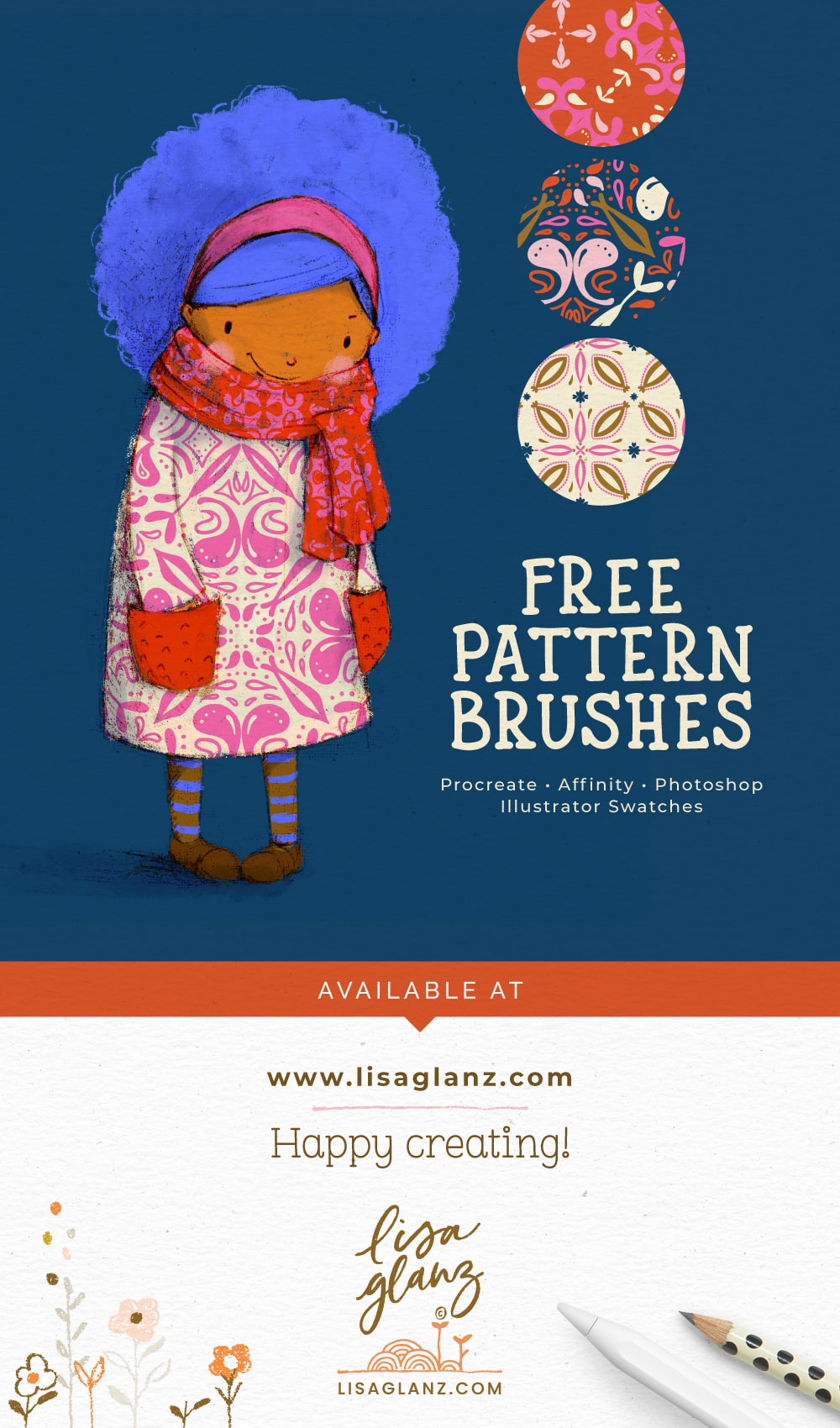
Learn how to use pattern brushes in Procreate in this fun tutorial for The Artist's Pattern Box. I'll be sharing some useful tips and techniques for getting the most out of versatile brush set. You'll learn how to: Change the grain or scale of the pattern designs for...
Create beautiful colour palettes with ease
Creating beautiful colour palettes can be a huge challenge, but it doesn't have to be! How many times have you sat in front of your artwork cycling through various colours to try and find the perfect one? Or played with those pesky sliders… back and forth… back and...
Artist Advice: Tips for starting your own online art and digital products shop
In a previous blog post I explained the importance of having your own online shop to sell your art and digital products. But having walked the path myself I know how paralysing the mammoth task can be. With so many aspects to consider, it's easy to give up before...
How to create patterns in Procreate – A fail-proof method!
In this tutorial you'll learn a fail-proof method for how to create patterns in Procreate! With the help of the Pattern Design Toolkit you'll be creating stunning repeat patterns with ease. No more complicated maths or guessing where to place your motifs, let the...
How to import a Canvas into Procreate
In this quick tutorial you'll learn how to import a canvas into the Procreate app. Although I'll be using the pre-made canvases from the Magic Canvas the process is the same for any canvas you'd like to import. Just a quick note on unzipping files on your iPad: Since...
Why you need your own website to sell your art and digital products online
Whether you’re a licensing artists and/or creator of digital products you might be wondering if you really need your own website shop. My answer is always an emphatic YES! Even if you’re selling on other marketplaces and doing well, for true independence and full...
How to adjust scale and grain of texture brushes in Procreate
Using paper and seamless texture brushes in Procreate is a fun and easy way to quickly add depth to your work. Knowing how to resize the grain and adjust the scale is essential in your workflow. When purchasing paper and texture brushes, they'll come with a...
How to paint a cute girl portrait in Procreate
In this Procreate tutorial, you'll learn how to paint a whimsical portrait using a combination of texture brushes. Featuring the brushes from the Dreamland Brushbox, I'll show you how to combine various texture brushes to create wonderfully texture-rich artwork!...
How I backup and catalogue my Procreate digital artwork files
Need a decent system for backing up your Procreate artwork? I share mine below that I've recently start using which has been a life-saver! If you're anything like me you have a gazillion Stacks in your Procreate gallery. Which makes finding a specific artwork file a...
How to choose both colours for dual brushes in Procreate
Choosing both colours when using dual brushes is important to achieve realistic results when painting in Procreate. Often users will only select the Primary colour which means the Secondary colour will default to the last colour used. This might give you undesirable...